01
Choose your way in
Android is available now with a floating guide. The iPhone app is still in testing and is not yet available for public download.
In China and wherever the screen feels unfamiliar, translate the page, understand your choices, and take the next step with confidence.
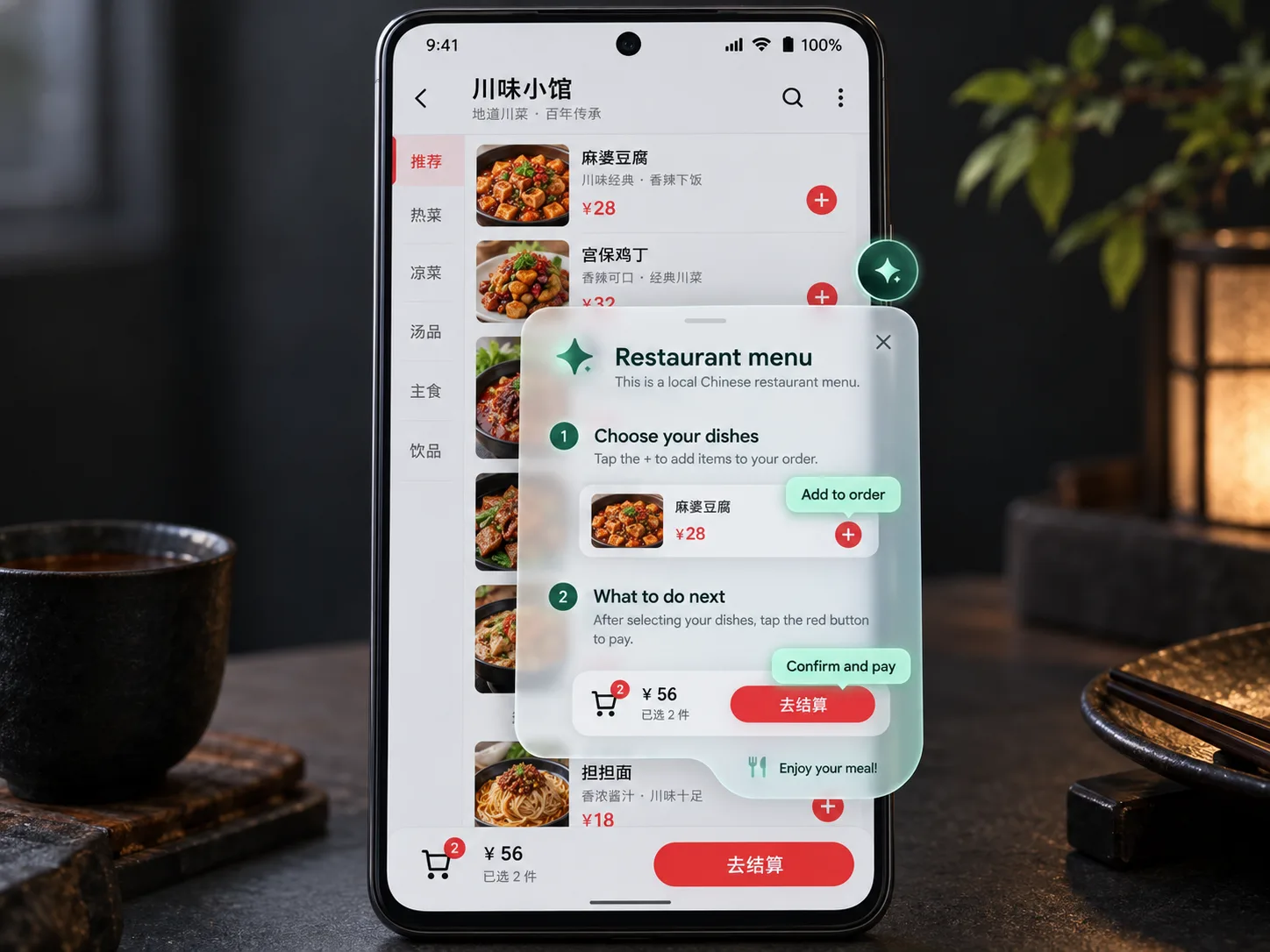
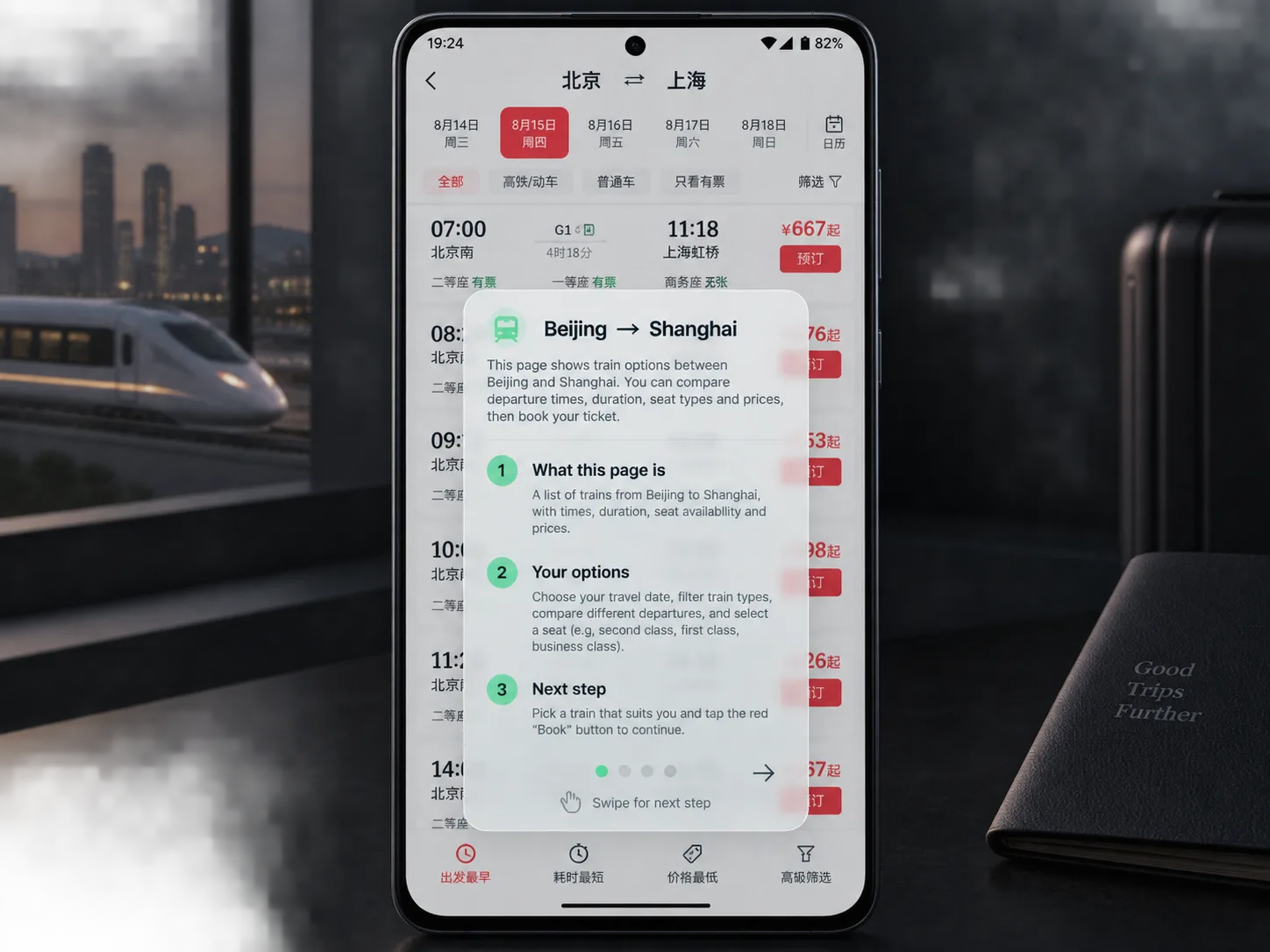
Open an unfamiliar page, tap MondoCue, and get the context that a literal translation leaves out.
Android is available now with a floating guide. The iPhone app is still in testing and is not yet available for public download.
Choose your language. Get translations for unfamiliar words, buttons, choices, and instructions.
Get a plain-language explanation of the page and practical guidance for the task you’re trying to finish.
◉ You choose when MondoCue can analyze a screen by selecting a screenshot or tapping the Android guide.
From the first payment in China to a train in Europe or an everyday service abroad, get unstuck on unfamiliar screens.

Decode Alipay and WeChat Pay screens, order food, hail a ride, book a train, or figure out that shared bike.
Make ticket machines, transit apps, restaurant menus, and local booking pages feel less intimidating.
Read ride-hailing, delivery, market, and accommodation screens when plans change on the fly.
Understand local services, cross-border shopping, bookings, and everyday tasks when you live or work abroad.
English · Français · Deutsch · Español · 日本語 · 한국어 · and many more
✳Choose a short pass for a trip or a monthly plan for the screens you return to.
One-time purchase for a quick visit.
24 hours · up to 45 analyses in any 24 hoursChoose 1 day ↗3 days for $5.99 · 7 days for $9.99
One-time · up to 30 analyses/24h (3-day) or 20/24h (7-day)For the places and screens you return to.
Up to 10 analyses in any 24 hours · auto-renews monthly · cancel anytimeChoose monthly ↗Create an account to purchase securely through Creem. Passes are one-time purchases; monthly access renews automatically until canceled. Access is linked to your email for use in supported MondoCue apps. The checkout confirms the final price and terms before payment.
Create your account, choose your plan, and keep access with you across supported MondoCue apps.
Create account ↗Android is available as a direct download. The iPhone app and its screenshot, Shortcut, and live assistant workflows are still in testing; there is no public iPhone download yet.